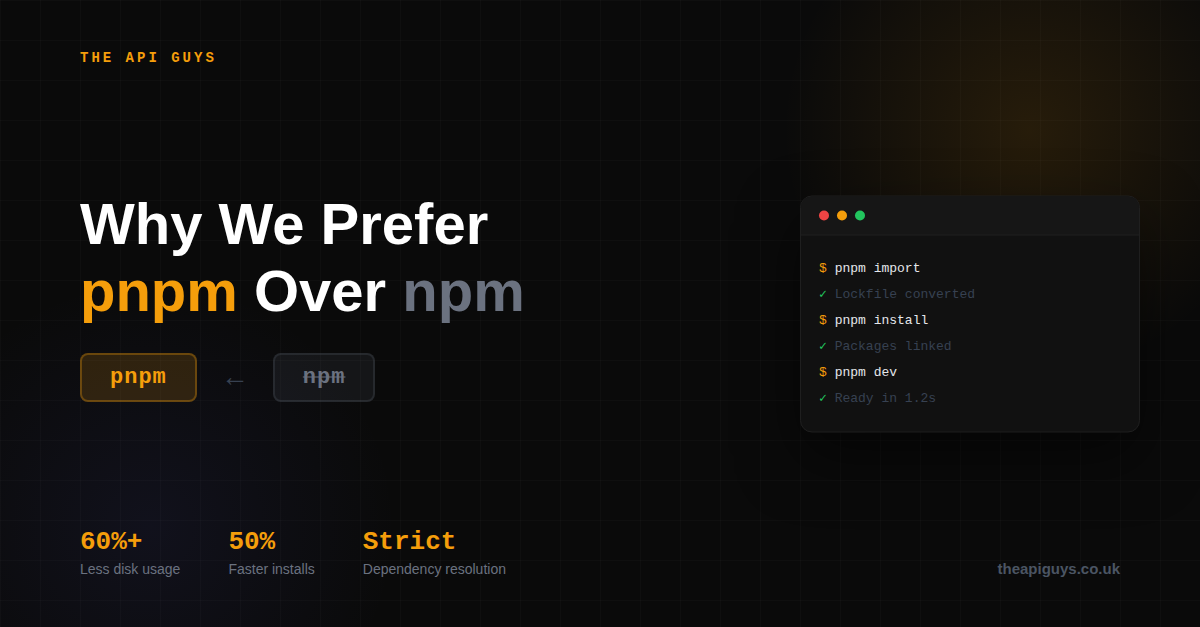
Why We Prefer pnpm Over npm in 2026
We stopped using npm. Here's why.
Every JavaScript project starts the same way - install your dependencies and get to work. For years, npm was the obvious choice. It ships with Node.js, everyone knows it, and it works.
But "it works" isn't the bar we set for our tooling.
We switched to pnpm across all of our projects last year, and we're not going back.
Disk space that actually makes sense
npm creates a full copy of every package for every project. Ten projects using React means ten copies of React on your machine. pnpm uses a content-addressable store with hard links. One copy, shared everywhere. We've seen disk usage drop by over 60% across our development machines.
Faster installs, every time
pnpm's three-phase workflow of resolve, fetch, and link is consistently faster than npm, especially on repeat installs. In CI pipelines, where time is money, the difference adds up quickly. Cold installs are 30-50% faster. Warm installs are even better.
Stricter dependency resolution
This is the one that matters most to us. npm uses a flat node_modules structure, which means your code can accidentally import packages that aren't in your package.json. It works on your machine, breaks in production.
pnpm's strict layout makes this impossible. If you didn't declare it, you can't use it. That entire class of "works locally, fails in CI" bugs just disappears.
First-class monorepo support
We use pnpm workspaces for projects where a Laravel API sits alongside a Next.js frontend. The workspace tooling is mature, fast, and predictable. Running scripts across packages, managing shared dependencies, linking internal packages - it all just works cleanly.
The ecosystem agrees
Next.js officially recommends pnpm in their documentation. Vite, Astro, and Prisma all migrated to pnpm. When the tools you're building with prefer it, that tells you something.
Switching is straightforward
Run pnpm import to convert your existing package-lock.json, delete your node_modules, and run pnpm install. Most projects migrate in minutes.
If you're still defaulting to npm because it's what you've always used, it might be worth asking whether "good enough" is actually good enough for your team.