Keeping Your npm Dependencies Secure - Lessons from the Supply Chain
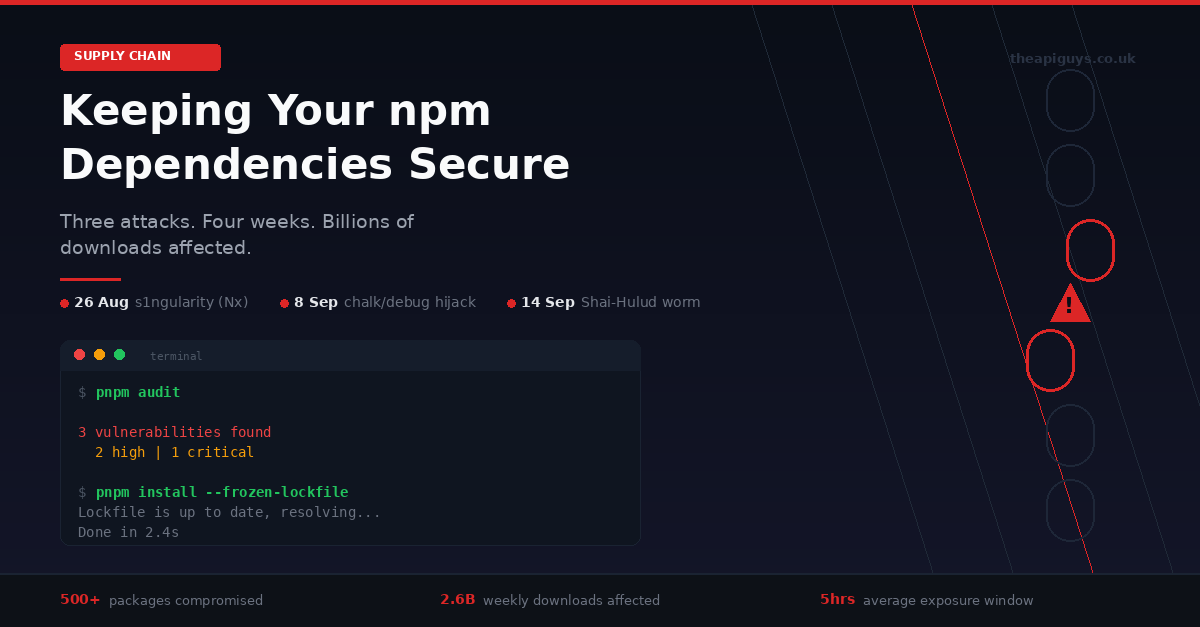
September 2025 will be remembered as the month the JavaScript ecosystem's trust model was stress-tested to breaking point. Three major supply chain attacks in four weeks have compromised hundreds of npm packages, affected billions of weekly downloads, and forced the entire industry to reconsider how we think about dependency security.
If you build anything with JavaScript - whether that is a React frontend, a Next.js application, or a Node.js API - this affects you directly. Here is what happened, what it means, and what you should be doing about it right now.
The Nx s1ngularity Attack - 26 August 2025
The first domino fell on 26 August when attackers compromised the Nx build system, a popular monorepo tool with over 3.5 million weekly downloads. The attack exploited a GitHub Actions injection vulnerability to steal an npm publishing token, which was then used to push malicious versions of multiple Nx packages to the registry.
The compromised packages contained a postinstall script that systematically scanned infected machines for GitHub tokens, npm credentials, SSH keys, cloud provider API keys, and cryptocurrency wallet files. The stolen data was double-base64 encoded and uploaded to public GitHub repositories following a distinctive naming pattern.
What made this attack particularly alarming was its use of AI developer tools. The malware checked whether Claude, Gemini, or Q CLI tools were installed on the victim's machine and attempted to use them for reconnaissance and secret enumeration. This is the first documented case of a supply chain attack weaponising AI assistants to aid in data exfiltration.
The malicious packages were live for approximately five hours before being detected and removed. In that window, over 1,700 developers had their secrets publicly leaked. Wiz researchers subsequently found that over 90% of the leaked GitHub tokens were still valid days after the attack, and a second wave used those stolen credentials to make thousands of private repositories public.
The chalk and debug Compromise - 8 September 2025
Less than two weeks later, a more targeted but potentially far more damaging attack struck. On 8 September, attackers compromised the npm accounts of a maintainer responsible for some of the most foundational packages in the JavaScript ecosystem: chalk, debug, ansi-styles, strip-ansi, supports-color, and at least 12 others.
These are not niche libraries. They are utility packages that sit deep in the dependency trees of virtually every JavaScript project. Collectively, the affected packages account for over 2.6 billion downloads per week. If you have ever run pnpm install on any non-trivial project, the chances are high that several of these packages are somewhere in your dependency tree.
The attack vector was social engineering. The maintainer received a phishing email from a domain designed to look like official npm communications, requesting an urgent update to their two-factor authentication credentials. The email was sophisticated enough to collect a username, password, and a live TOTP code, giving the attackers full control of the account.
The malicious payload was a browser-only script designed to intercept cryptocurrency transactions. It hooked into wallet APIs like MetaMask, silently rewriting outgoing transaction addresses to redirect funds to attacker-controlled wallets. The code targeted multiple chains including Ethereum, Bitcoin, Solana, and Tron, with over 280 hardcoded attacker addresses for redundancy.
The compromised versions were detected and removed within approximately two and a half hours. But given the scale of the affected packages, thousands of developers could have installed them during that window, and any applications built with those versions could have shipped the malicious code to end users.
Shai-Hulud - The Self-Replicating Worm
As if two major attacks were not enough, mid-September brought something entirely new: a self-replicating worm spreading through the npm registry. Publicly known as Shai-Hulud, this attack has already compromised over 500 packages by targeting their maintainers' credentials and using those credentials to inject malicious code into other packages.
The worm's approach is disturbingly elegant. After gaining initial access to a package maintainer's account, it deploys malware that scans the environment for GitHub Personal Access Tokens and API keys for AWS, Google Cloud, and Azure. It then uses those credentials to authenticate to the npm registry as the compromised developer, injects code into their other packages, and publishes new compromised versions. Each infected package becomes a vector for further infections.
CISA has issued an advisory recommending that all organisations immediately rotate developer credentials, mandate phishing-resistant multi-factor authentication on all developer accounts, and monitor for anomalous network behaviour. The attack is ongoing as of the time of writing.
Why the npm Ecosystem is Uniquely Vulnerable
These three attacks share a common thread that goes beyond their individual technical details. They all exploit the fundamental trust model of the npm ecosystem, where a single compromised maintainer account can cascade into thousands of affected downstream projects.
The JavaScript dependency tree is uniquely deep and interconnected. A typical React application might have 50 direct dependencies, but those pull in hundreds or even thousands of transitive dependencies. Each one of those packages represents a trust relationship with its maintainer, and each maintainer is a potential attack vector.
Consider the chalk compromise. Most developers have never consciously chosen to install chalk. It arrives as a transitive dependency of other tools and libraries, buried several layers deep in the dependency tree. Yet a single phishing email to its maintainer was enough to potentially compromise every application that pulled in a new version during a two-hour window.
This is not a hypothetical risk. It is the reality of modern JavaScript development, and it demands a more serious approach to dependency management than most teams currently practice.
Why We Use pnpm - And Why It Matters for Security
We switched to pnpm across all of our projects, and the security benefits were a significant factor in that decision. While no package manager can prevent a compromised package from being published to the registry, pnpm's architecture provides meaningful protections that npm does not.
The most important difference is pnpm's strict dependency isolation. npm uses a flat node_modules structure where any package can accidentally import any other package in the tree, even if it is not declared as a dependency. This creates phantom dependencies - code that works on your machine because a transitive dependency happens to be hoisted, but breaks unpredictably in other environments. More critically, it means malicious code in one package can more easily interact with other packages in the tree.
pnpm's symlinked structure eliminates this entirely. If a package is not declared in your package.json, your code cannot access it. Period. This strict isolation reduces the attack surface and makes dependency relationships explicit and auditable.
pnpm also uses a content-addressable store, meaning each version of each package is stored exactly once on disk regardless of how many projects use it. Beyond the obvious disk space savings, this makes it easier to audit exactly which package versions are present across your entire development environment.
Practical Steps to Protect Your Projects
Tooling alone will not solve this problem. It requires a change in how development teams think about their dependencies. Here are the steps we take on every project, and the steps we recommend to our clients.
Commit your lockfile and enforce it. Your pnpm-lock.yaml is a security-critical artifact, not a build convenience. It records the exact versions and integrity hashes of every package in your dependency tree. In CI/CD environments, always use pnpm install --frozen-lockfile to ensure that builds use precisely what was tested and reviewed, with no silent updates.
Audit before you deploy. Running pnpm audit before every deployment takes seconds and catches known vulnerabilities. We integrate this into our CI pipelines so that builds fail automatically if critical vulnerabilities are detected. We covered this in detail in our post on automated security scanning in CI/CD pipelines.
Pin your versions. Floating version ranges using the caret or tilde operators in your package.json mean that running pnpm install on two different days could pull in different versions. In a world where malicious versions can be published and removed within hours, that window of ambiguity is a real risk. We pin exact versions using the --save-exact flag when adding new packages.
Review before you update. Dependency updates should not be automatic. Before running pnpm update, check what has changed. Tools like pnpm outdated show you which packages have newer versions available without installing anything. Review changelogs and release notes before pulling in updates, especially for packages deep in your dependency tree.
Minimise your dependency footprint. Every package you add is a trust relationship. Before installing a new dependency, ask whether you actually need it. A package that saves you ten lines of code but adds a chain of transitive dependencies might not be worth the trade-off. Sometimes, writing a small utility function yourself is the more secure choice.
Treat developer machines as production assets. The s1ngularity attack targeted developer environments, not production servers. It stole credentials from local machines, raided AI tool configurations, and turned developer GitHub accounts into exfiltration channels. Your development environment needs the same security hygiene as your servers: credential rotation, scoped access tokens, and monitoring for anomalous behaviour.
Disable lifecycle scripts by default. Both the s1ngularity and Shai-Hulud attacks used npm postinstall scripts to execute malicious code during package installation. Consider running pnpm install --ignore-scripts by default and only enabling scripts for packages that genuinely require them. This single change would have prevented both attacks from executing their payloads.
The Bigger Picture
We have been writing about the importance of keeping software current throughout 2025, from our January post on keeping your stack current to our deep dive into the hidden cost of ignoring security updates. The npm supply chain attacks add a new dimension to that message.
Keeping your server-side dependencies updated - your PHP versions, your Laravel framework, your operating system packages - remains essential. We covered that extensively in our post on why security patching is not a one-off task. But September has made it clear that your frontend dependencies demand the same level of attention.
The JavaScript ecosystem moves fast. That speed is one of its greatest strengths and one of its greatest vulnerabilities. The npm registry hosts over two million packages, and the interconnected nature of the dependency graph means that a single compromised account can have cascading effects across the entire ecosystem.
The attacks we have seen this month are not going to be the last. They are, if anything, a sign that attackers have identified the open-source supply chain as a high-value, relatively low-effort target. The question is not whether another attack will happen, but whether your projects are prepared when it does.
If you are unsure about the security posture of your JavaScript dependencies, or if you want help setting up the kind of automated scanning and dependency management practices we have described here, get in touch. This is exactly the kind of problem we help our clients solve.