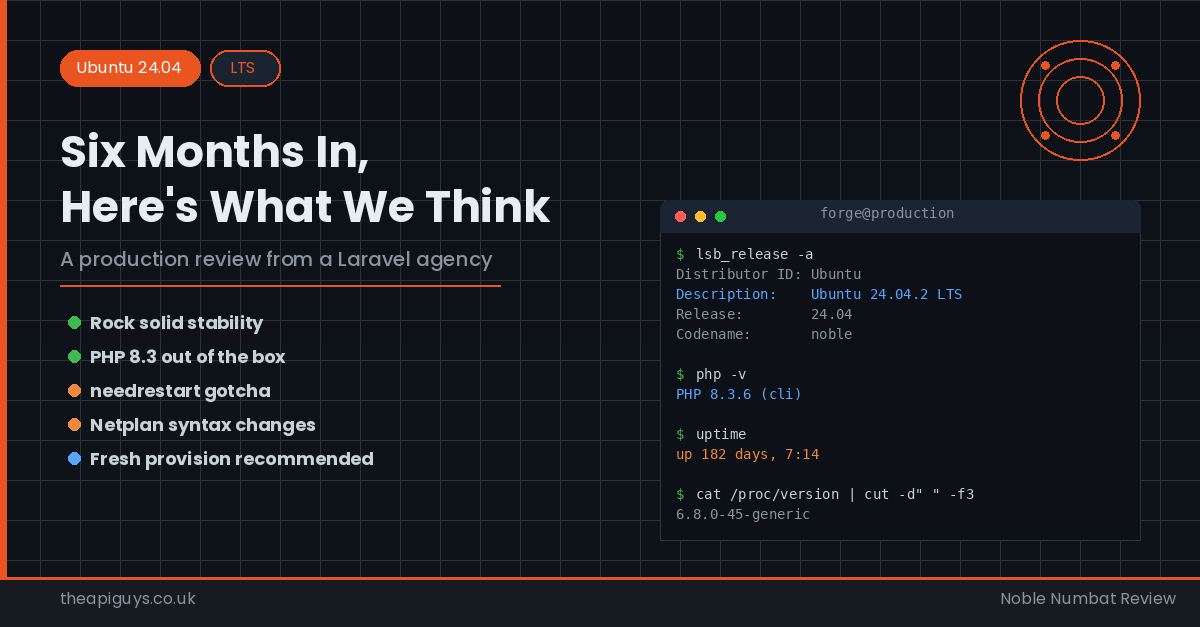
Ubuntu 24.04 LTS - Six Months In, Here's What We Think
Ubuntu 24.04 LTS, codenamed Noble Numbat, landed back in April 2024. We have written before about why Ubuntu is our server OS of choice, so naturally we were keen to get our hands on the latest long-term support release. But we are also cautious. No matter how shiny a new LTS looks on paper, we never rush it onto production servers without thorough testing first.
We provisioned our first 24.04 production servers via Laravel Forge in early 2025, once the 24.04.1 point release had settled in and Forge had confirmed full support. Six months on, here is our honest assessment.
The Headline: It Is Rock Solid
Let us get the most important thing out of the way first. Ubuntu 24.04 LTS has been remarkably stable in production. Across multiple servers running Laravel APIs, NextJS frontends, and CraftCMS sites, we have experienced zero unplanned downtime attributable to the operating system itself. The Linux 6.8 kernel that ships with Noble Numbat has been dependable, and the 24.04.2 point release that landed in February 2025 brought accumulated security patches and bug fixes without any disruption.
If you are still running Ubuntu 22.04 and wondering whether it is safe to move, the short answer is yes. The longer answer involves a few caveats we will get to shortly.
PHP 8.3 Ships Out of the Box
One of the biggest wins for any Laravel team is that Ubuntu 24.04 ships with PHP 8.3 in the default repositories. On 22.04, the default was PHP 8.1, which meant you were immediately reaching for Ondrej Sury's PPA if you wanted anything more recent. With Noble Numbat, apt install php gives you 8.3 straight away.
For Laravel applications, this is excellent news. PHP 8.3 brings typed class constants, the json_validate() function, the #[Override] attribute, and meaningful performance improvements over 8.1. Laravel 11, which launched in March 2024, works beautifully with PHP 8.3, and we have seen measurable improvements in response times across our API endpoints compared to the same applications running on 22.04 with PHP 8.1.
That said, if you need PHP 8.4 or want to run multiple PHP versions side by side for legacy projects, you will still need the Ondrej Sury PPA. The good news is that it works flawlessly on 24.04, just as it always has on previous LTS releases.
The Needrestart Gotcha
This is the single biggest gotcha we encountered, and it caught us off guard the first time. Ubuntu 24.04 ships with significant changes to needrestart, the tool that determines whether services need restarting after package updates.
On previous Ubuntu versions, needrestart would prompt you interactively during package updates. On 24.04, the default behaviour has changed. When unattended upgrades run, needrestart will now automatically restart services that depend on updated libraries. That includes NGINX, PHP-FPM, MySQL, Redis - essentially everything your Laravel application relies on.
In theory, this is sensible. If a critical library like glibc receives a security patch, you want the services using it to pick up the patched version immediately. In practice, having your web server and database silently restart at 6am on a Tuesday because an unattended upgrade pulled in a new library version is not ideal for production workloads.
We discovered this the hard way when a routine library update triggered a restart of PHP-FPM and NGINX simultaneously, causing a brief interruption to several client APIs. The services came back up cleanly, but even a few seconds of downtime is unacceptable when you are running production APIs that other businesses depend on.
The fix is straightforward. You can configure needrestart to behave more conservatively by editing /etc/needrestart/needrestart.conf and setting the restart mode to list-only or interactive:
$nrconf{restart} = 'l';
Alternatively, you can create override files in /etc/needrestart/conf.d/ to exclude specific services from automatic restarts. We now include this configuration as part of our standard server provisioning process.
Netplan Is Now the Default Everywhere
Ubuntu 24.04 uses Netplan as the default networking configuration tool on both desktop and server. If you have been managing servers with 22.04, you are likely already familiar with Netplan, but there is an important change to note: the gateway4 directive has been deprecated. Routes now need to be defined explicitly using the routes section in your Netplan YAML files.
If you are provisioning servers through Laravel Forge, this is handled for you automatically. But if you manage any custom networking configurations, you will want to update your Netplan files before migrating. The old syntax still works with a deprecation warning, but it is best to adopt the new format sooner rather than later.
OpenSSL 3.x and What It Means
Ubuntu 22.04 introduced OpenSSL 3.0, and 24.04 continues with the 3.x line. This is worth mentioning because OpenSSL 3.x deprecated several older algorithms and ciphers. If you are running applications that rely on older TLS configurations or legacy encryption methods, you may encounter issues.
For modern Laravel applications, this is a non-issue. PHP 8.3 and MySQL 8.0 both work perfectly with OpenSSL 3.x. But if you are maintaining older projects that connect to legacy systems using outdated TLS versions, you will need to review your OpenSSL configuration carefully.
MySQL 8.0 Remains the Default
Ubuntu 24.04 ships with MySQL 8.0 in its default repositories, which is the same major version as 22.04. This means database migrations between the two LTS releases are straightforward. We have moved several production databases from 22.04 to 24.04 servers without any schema or compatibility issues.
MySQL 8.4 LTS is available separately if you want it, bringing performance optimisations and improved JSON support. However, for most Laravel applications, MySQL 8.0 on Ubuntu 24.04 works exactly as you would expect.
Node.js and the Frontend Story
Ubuntu 24.04 ships with Node.js 18 in its default repositories. For our NextJS frontends, we typically use NodeSource or nvm to manage Node.js versions independently of the OS packages, so this has minimal impact on our workflow. If you are relying on the system Node.js package though, be aware that Node.js 18 entered maintenance mode in October 2024 and reaches end of life in April 2025. You will want to install a newer version via NodeSource or nvm.
Fresh Provision vs In-Place Upgrade
We strongly recommend provisioning fresh 24.04 servers rather than attempting an in-place upgrade from 22.04. Laravel Forge explicitly advises against running do-release-upgrade on Forge-managed servers, and our own experience supports this guidance.
In-place upgrades can break NGINX configurations, alter PHP-FPM pool settings, and introduce subtle compatibility issues that are painful to debug in production. The safer approach is to provision a new 24.04 server, deploy your application to it, test thoroughly, and then switch your DNS or load balancer. It takes a bit more time, but it eliminates the risk of a botched upgrade taking your application offline.
Performance Improvements
Beyond PHP 8.3's own performance gains, we have noticed general improvements in system-level performance on 24.04. The Linux 6.8 kernel includes optimised syscall performance and improved scheduling, which translates to slightly better throughput on API-heavy workloads. The improvements are modest - we are not talking about dramatic speed increases - but they are consistent and measurable.
Memory usage is broadly similar to 22.04 for equivalent workloads. We have not needed to adjust our server sizing or provisioning specifications when moving applications across.
Our Recommendations
After six months of running Ubuntu 24.04 LTS in production, here is our advice:
Provision new servers on 24.04. There is no reason to start new projects on 22.04 at this point. The stability is proven, the PHP 8.3 default is a genuine time-saver, and the five-year support window extends to May 2029.
Configure needrestart immediately. This is the single most important post-provisioning step. Decide whether you want automatic service restarts or whether you prefer to manage them manually, and configure accordingly before your first unattended upgrade runs.
Do not upgrade in place. Provision fresh servers and migrate. It is more work upfront, but it avoids a category of problems that can be very difficult to diagnose after the fact.
Check your Netplan configurations. If you have any custom networking setups, update the deprecated gateway4 syntax to the explicit routes format.
Keep applying security updates. Ubuntu 24.04 receives regular security patches, and staying current is essential. Just make sure your needrestart configuration aligns with your expectations about when and how services get restarted.
Ubuntu 24.04 LTS is a solid, dependable release that works brilliantly for Laravel production workloads. The gotchas are manageable, the performance is strong, and the PHP 8.3 default alone makes the upgrade worthwhile. If you are still on 22.04, start planning your migration - you will not regret it.