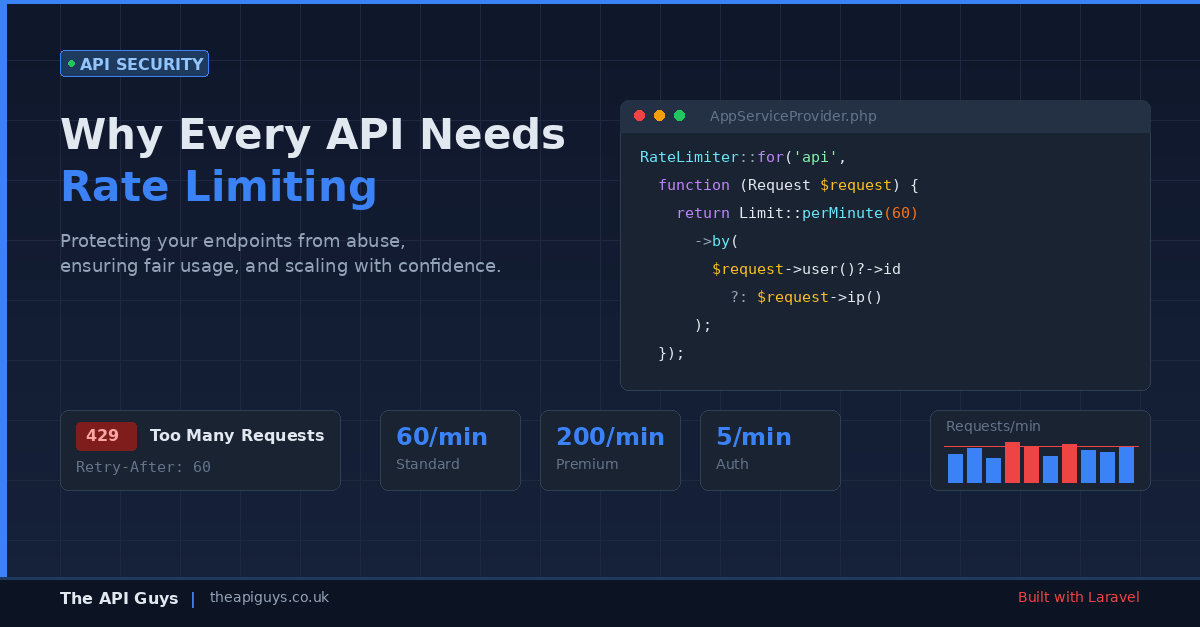
Why Every API Needs Rate Limiting
If your API is accessible over the internet, it needs rate limiting. That is not a suggestion or a nice-to-have for version two. It is a fundamental requirement that belongs in your first deployment, right alongside authentication and input validation.
Yet we regularly encounter production APIs with no rate limiting whatsoever. The endpoints accept unlimited requests from any authenticated consumer, the server absorbs whatever traffic arrives, and the team only realises there is a problem when the database falls over during a traffic spike or a misconfigured integration starts sending thousands of duplicate requests per minute.
Rate limiting is one of those things that feels optional until the moment it becomes critical. This guide covers why it matters, how to implement it properly in Laravel, and the common mistakes that leave APIs exposed even when throttling is technically in place.
What rate limiting actually protects you from
The obvious use case is blocking malicious actors - someone attempting to brute-force an authentication endpoint or scrape your data by hammering your listing endpoints. Rate limiting is your first line of defence here, and it works well for that purpose.
But the more common scenarios are far less dramatic. A client's development team writes an integration that retries failed requests immediately without any backoff logic. A mobile app has a bug that fires the same API call on every frame render. A batch import process runs without any concurrency controls and sends 500 requests simultaneously. None of these involve malicious intent, but all of them can bring your API to its knees.
Rate limiting protects against all of these scenarios. It caps the damage any single consumer can inflict, preserves resources for everyone else, and gives you predictable behaviour under load. Without it, your API's availability is only as good as your least disciplined consumer's code.
How Laravel handles rate limiting
Laravel provides first-class rate limiting support through the RateLimiter facade and the throttle middleware. If you are building APIs with Laravel, you do not need third-party packages or custom middleware to get solid rate limiting in place. The framework gives you everything you need.
Rate limiters are defined in your application's service provider using the RateLimiter::for() method. Here is a straightforward example that limits API requests to 60 per minute, identified by the authenticated user's ID or falling back to IP address for unauthenticated requests:
RateLimiter::for('api', function (Request $request) {
  return Limit::perMinute(60)->by($request->user()?->id ?: $request->ip());
});
Once defined, you apply the limiter to your routes using the throttle middleware:
Route::middleware('throttle:api')->group(function () {
  // Your API routes
});
When a consumer exceeds the limit, Laravel automatically returns a 429 Too Many Requests response. It also includes X-RateLimit-Limit, X-RateLimit-Remaining, and Retry-After headers so that well-behaved clients know exactly when they can resume making requests.
Going beyond the basics with tiered limits
A flat rate limit across all endpoints and all consumers is better than nothing, but it is rarely the right long-term approach. Different endpoints have different cost profiles, and different consumers have different needs.
Consider the difference between a simple GET /api/users/me endpoint that returns cached profile data and a POST /api/reports/generate endpoint that triggers a database-heavy report. Applying the same limit to both makes no sense. The profile endpoint could comfortably handle 200 requests per minute per user, while the report endpoint might need to be restricted to 5.
Laravel makes it straightforward to define multiple rate limiters and apply them to different route groups:
RateLimiter::for('standard', function (Request $request) {
  return Limit::perMinute(60)->by($request->user()?->id ?: $request->ip());
});
RateLimiter::for('expensive', function (Request $request) {
  return Limit::perMinute(5)->by($request->user()?->id ?: $request->ip());
});
You can also implement tiered limits based on the consumer's subscription level or API plan. This is a common pattern for commercial APIs where free-tier users get a lower allowance and paying customers get higher throughput:
RateLimiter::for('api', function (Request $request) {
  return $request->user()?->isPremium()
    ? Limit::perMinute(200)->by($request->user()->id)
    : Limit::perMinute(30)->by($request->user()?->id ?: $request->ip());
});
Protecting authentication endpoints specifically
Authentication endpoints deserve their own rate limiting strategy, separate from your general API limits. Login routes, password reset flows, and token exchange endpoints are prime targets for brute-force attacks, and the limits should reflect that.
We covered the broader topic of API authentication methods in a previous post, including the recommendation to always implement rate limiting on auth endpoints. Here is what that looks like in practice:
RateLimiter::for('login', function (Request $request) {
  return Limit::perMinute(5)->by($request->input('email') . '|' . $request->ip());
});
Notice the compound key here. We are limiting by both the email address and the IP address. This prevents an attacker from trying multiple passwords against a single account (limited by email) while also preventing distributed attacks where different IPs target the same account (limited by the combination). It is a small detail, but it closes a gap that IP-only limiting leaves open.
The response headers your consumers need
Rate limiting is only half the equation. The other half is communicating your limits clearly so that consumers can build well-behaved integrations. Laravel handles this automatically by including rate limit headers in every response:
X-RateLimit-Limit- the maximum number of requests allowed in the current windowX-RateLimit-Remaining- the number of requests remaining in the current windowRetry-After- the number of seconds until the consumer can make requests again (included only on 429 responses)
These headers allow responsible API consumers to monitor their usage and implement their own throttling before they hit your limits. Good API documentation should explain these headers and encourage consumers to respect them. If you have ever integrated with a third-party API that returned a 429 with no Retry-After header and no documentation about limits, you know how frustrating the alternative is.
Common mistakes that undermine your rate limiting
Having rate limiting in place is not the same as having effective rate limiting. These are the patterns we see most often that give teams a false sense of security.
Limiting by IP only. If your API sits behind a load balancer, reverse proxy, or CDN, the IP address Laravel sees might be the proxy's address rather than the client's. Suddenly every consumer shares the same rate limit. Make sure your trusted proxies are configured correctly in Laravel so that $request->ip() returns the genuine client IP from the X-Forwarded-For header.
Using the default cache driver without thinking about it. Laravel's rate limiter stores counters in your configured cache. If you are using the file cache driver in production, rate limiting will not work reliably across multiple servers. Use Redis or Memcached for rate limit storage - they are fast, atomic, and shared across your application instances.
Forgetting to limit unauthenticated endpoints. It is easy to focus on authenticated API routes and forget that your public endpoints - health checks, documentation, and any publicly accessible data - also need protection. An unthrottled public endpoint is an open invitation for scraping or denial-of-service attacks.
Setting limits too high to matter. A rate limit of 10,000 requests per minute per user is effectively no rate limit at all for most APIs. Work backwards from your infrastructure's capacity. If your database connection pool maxes out at 100 concurrent connections and you have 50 active consumers, the maths should drive your limits, not arbitrary round numbers.
Not testing the 429 responses. Your integration tests should include scenarios where the rate limit is exceeded. Verify that the correct status code is returned, that the response body includes a useful error message, and that the Retry-After header is present and accurate. If you are not testing it, you do not know it works.
Rate limiting as part of your broader API strategy
Rate limiting does not exist in isolation. It is one layer in a broader approach to building resilient APIs. Combined with proper authentication, input validation, circuit breakers, and an API-first architecture, rate limiting helps ensure that your API can handle real-world conditions without falling over.
If you are running Laravel and your API routes do not currently have the throttle middleware applied, that is the single most impactful change you can make today. Define sensible limits in your service provider, apply the middleware to your route groups, and make sure your cache driver is production-ready. It takes less than an hour to implement properly, and it could save you from a 3am incident response call when a consumer's retry loop goes haywire.
Your API is a shared resource. Rate limiting is how you keep it that way.